Webflow vs WordPress: Which Is Better for Your Site?
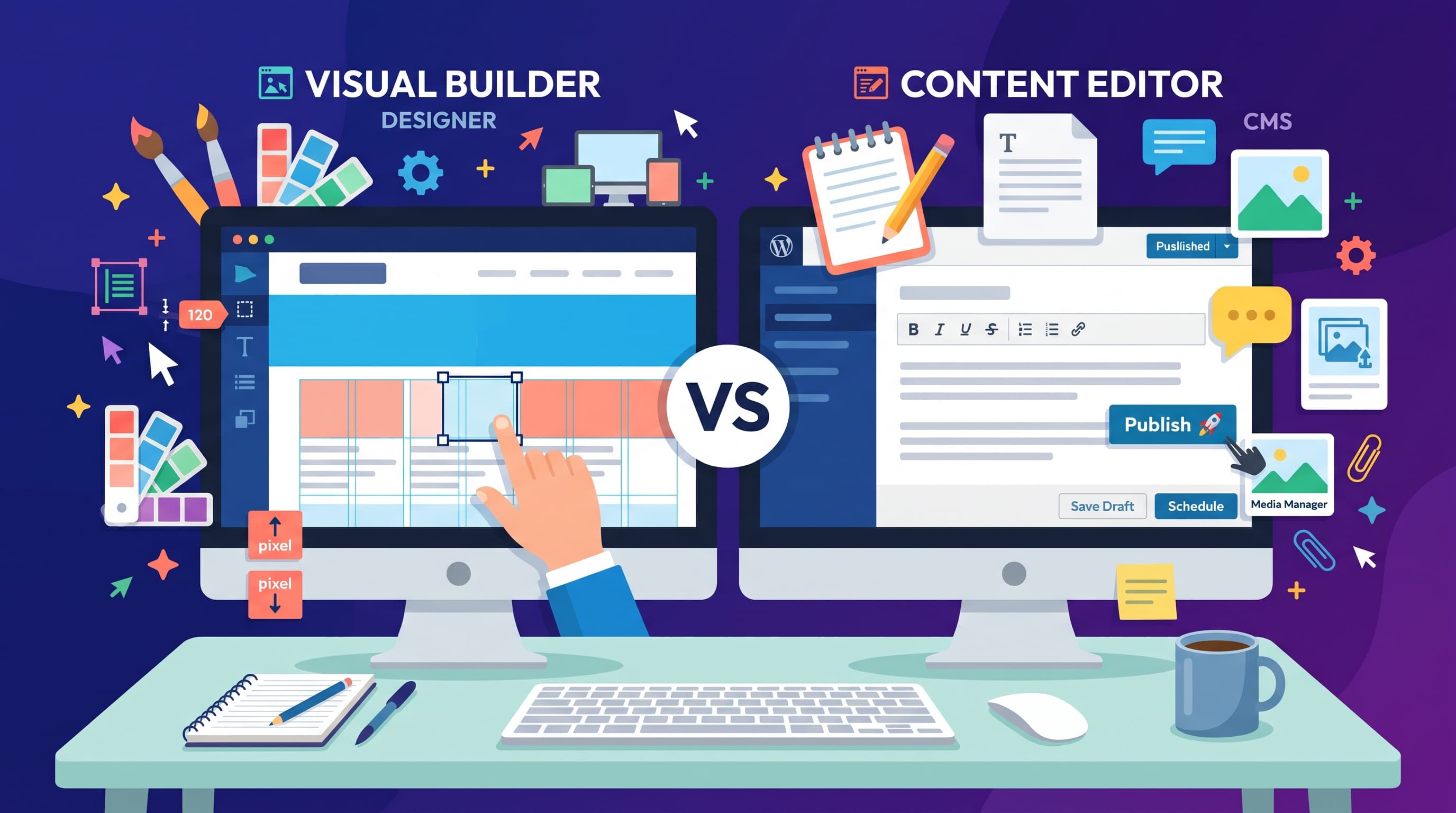
You have outgrown simple drag-and-drop builders and want more control, but hiring a developer for every change is not realistic. Webflow vs WordPress is the natural next comparison. Both offer serious flexibility, yet they solve different problems, so the right choice depends on whether design or content drives your site.
How Each Platform Works
Webflow is a visual design tool. You build layouts with real web concepts such as classes, flexbox and grids. Webflow then turns your work into clean code automatically.
WordPress.com is the hosted version of the most widely used content management system. You pick a theme, write in the block editor and extend features with plugins, small add-on programs, on plans that allow them.
Design, Content and SEO Compared
Webflow wins on design. You control spacing, typography and animations precisely, without writing JavaScript. Results look like a hand-coded site.
WordPress wins on publishing. Categories, tags, revisions and author roles make it easy to manage hundreds of posts. Webflow's CMS handles structured content well, like case studies or team pages, but plan limits on CMS items can matter for large publications.
For SEO both platforms score highly in our ranking. Webflow produces lean pages with fine control over meta tags and structured data. WordPress offers strong foundations. Plugins such as Yoast or Rank Math add even more options on eligible plans.
Ease of use is close. Webflow has the steeper learning curve because it exposes real design concepts. WordPress is friendlier for writing but asks you to choose themes and plugins, which creates many small decisions.
Maintenance, Teams and Pricing
Both are hosted, so servers and backups are handled for you. On WordPress.com you still update plugins now and then. A poorly maintained plugin can slow your site. Webflow keeps most features built in.
Teams use them differently. Agencies like Webflow because clients can edit text in a simplified editor without breaking layouts. Publishers like WordPress for its editorial roles and workflows.
Webflow site plans start at $14 per month, but CMS and ecommerce plans cost more and team workspaces are billed separately. WordPress.com has a free plan and paid plans from about $4 to $45 per month, with plugins on higher tiers.
Limits and Lock-in
WordPress content is highly portable. You can export posts and move to self-hosted WordPress later. Webflow lets you export static code and CMS data as CSV files, but hosting and dynamic features stay on Webflow, which is a form of vendor lock-in.
Neither tool is ideal for complex web apps. If your project needs user accounts, custom databases or heavy logic, plan for developer work.
Who Each Platform Suits Best
Webflow fits designers, agencies and startups that want a unique marketing site and enjoy working visually. It also suits teams that hand finished sites to clients who only need to edit text.
WordPress fits bloggers, publishers, nonprofits and businesses that publish often. Its plugin library covers needs such as memberships, forms and online courses on eligible plans.
If you are still unsure, both platforms let you start for free. Build one page on each and notice which workflow feels faster. That simple test usually settles the Webflow vs WordPress question better than any feature list.
Final Thoughts
Choose Webflow if you are a designer or agency building custom marketing sites. Choose WordPress if you publish often, want plugins or prefer a lower starting price. See every detail in our Webflow vs WordPress comparison.
FAQ
Is Webflow better than WordPress?
Webflow is better for custom design. WordPress is better for content and plugins.
Which is easier to learn?
WordPress.com is easier for writing. Webflow takes longer because it uses real web design concepts.
Is Webflow good for blogging?
It works for small blogs, but WordPress handles large archives and editorial teams better.
Can I move from Webflow to WordPress?
Yes, by exporting CMS content as CSV and rebuilding the design in a WordPress theme.
Which is cheaper?
WordPress.com usually costs less, especially with its free and low entry plans.
