Best Website Builder for Small Business in 2026
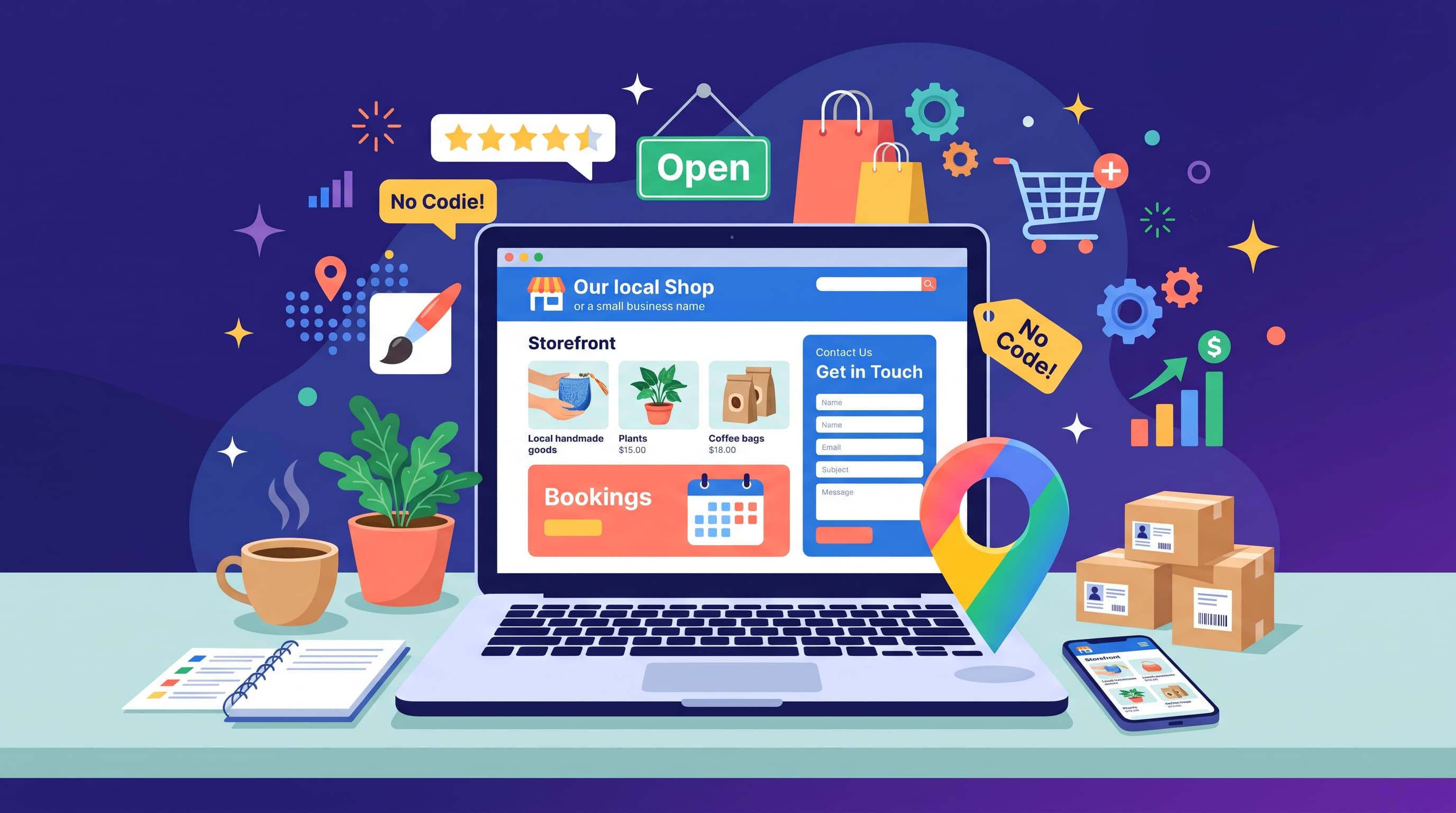
A plumber, a yoga studio and a local bakery all need customers to find them online, check opening hours and get in touch quickly. Choosing the best website builder for small business means matching built-in tools to how your company actually works. Fancy design matters less than clear information and an easy way to contact you.
What a Small Business Site Needs
Most small business websites share the same core: business details on every page, a contact form, mobile-friendly design and basic SEO settings. SEO settings are the fields that control how a page appears in Google, such as the meta title and description.
If you take appointments, look for online booking. If you sell products, look for built-in payments so you avoid stitching together extra services.
Comparing the Main Options
Each platform suits a different kind of business. GoDaddy uses AI to create a starter site in minutes and bundles domain, email and marketing tools. It is fast but offers limited design control.
Wix has the broadest toolkit. Bookings, forms, email marketing and an online store all live in one dashboard, with hundreds of business templates to start from.
Squarespace suits salons, restaurants and studios that care about presentation. It includes scheduling and email campaigns.
WordPress.com works for businesses that publish a lot of content or want deep SEO control later. Hostinger is the budget pick, combining an AI builder with hosting at a low entry price.
Budget and Local Search
With a builder, most small businesses spend about $10 to $40 per month. Add a domain name after the first free year and professional email, often sold per mailbox. Annual billing lowers the monthly price, but check renewal rates before committing to several years.
Local SEO helps nearby customers find you. Include your city and service area in page titles, create one page per main service and keep your business name, address and phone number identical everywhere online. Then link your site to a Google Business Profile.
AI features in 2026 can write first drafts of service pages and suggest headlines. They save time, but customers trust real photos and specific details more than generic copy.
Mistakes That Cost Customers
The most common mistake is launching with placeholder text or stock photos that look nothing like your business. Visitors notice quickly.
Another is building too many pages before launch. Home, services, about and contact are enough to start. You can add case studies and a blog later.
Watch out for vendor lock-in too. Your design stays with the builder, so moving to another platform later means rebuilding. And if you need custom software, complex integrations or a client portal, a developer may serve you better than any builder.
Tracking What Works
Once your site is live, connect Google Analytics or the builder's own statistics. Watch which pages bring calls, bookings and form messages. Then improve those pages first.
Small changes often make a visible difference. A clearer headline, a phone number at the top of the page or a more visible contact button can increase inquiries without any redesign. Customer reviews and real photos of your team also build trust faster than any template effect.
Final Thoughts
For most owners, Wix offers the best balance of tools and price, while Squarespace leads on design and GoDaddy on speed. Launch a simple version, measure which pages bring calls and improve from there. See the full ranking on our Best Website Builder for Small Business page.
FAQ
Do I need a developer for a small business website?
Usually not. Every builder here is designed for non-technical owners.
Which builder is fastest to launch?
GoDaddy and Hostinger use AI to create a starter site in minutes.
Do I need a custom domain?
Yes. It looks more professional and is easier for customers to remember.
Can I take bookings on my website?
Wix, Squarespace and GoDaddy all offer built-in appointment booking.
How often should I update my site?
Review hours, prices and services every few months and remove expired offers.
