How to Create a Website Without Coding: A Step-by-Step Guide
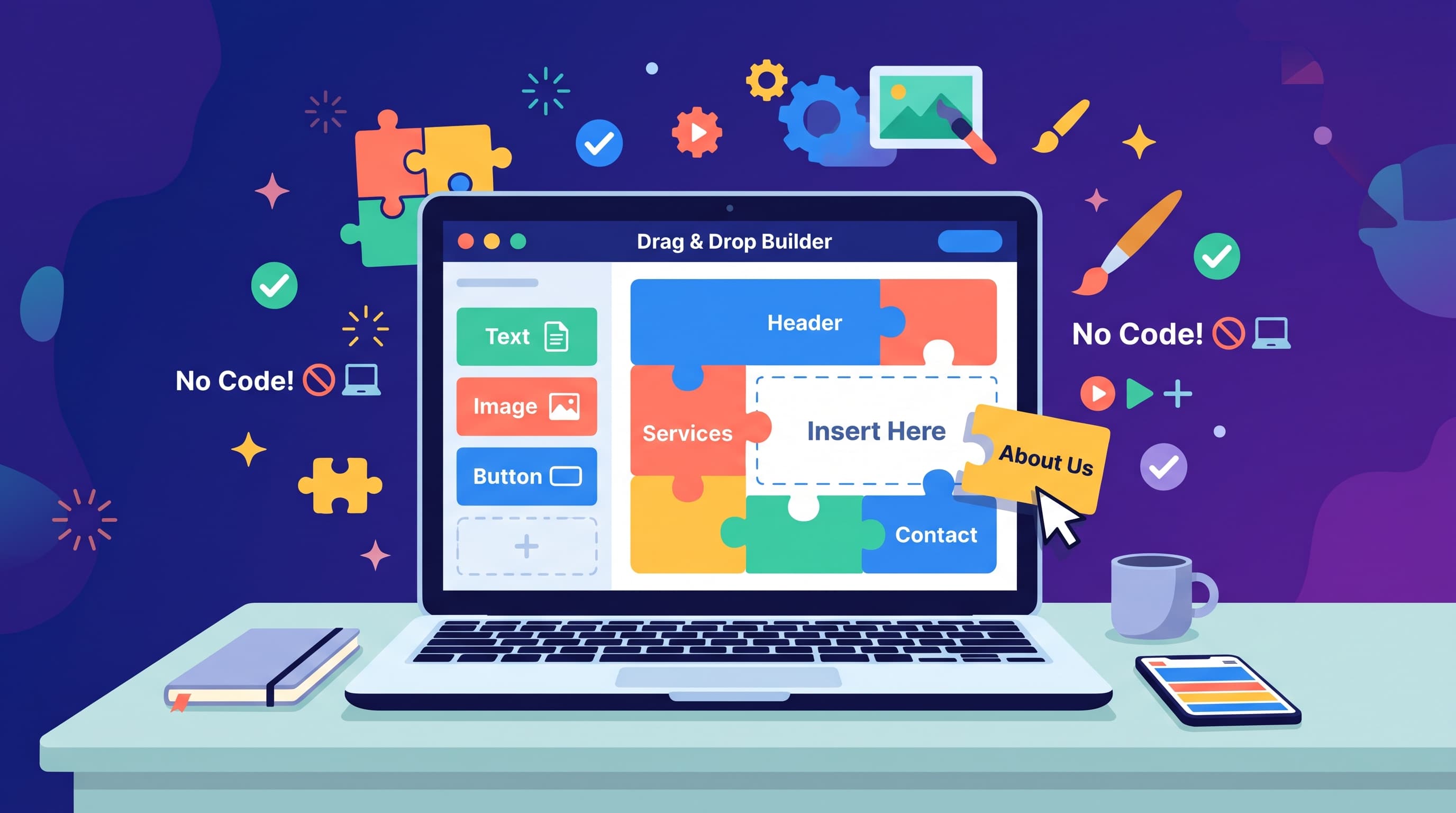
You have a business idea, a portfolio or a local service to promote. Learning HTML is not on your list. You can create a website without coding in a single afternoon with today's no-code builders. The steps below show how to plan, build and publish a site that looks professional from day one.
How No-Code Builders Work
A no-code website builder handles hosting, security and design tools for you. You start from a template, which is a ready-made layout with placeholder text and images, then replace the content with your own.
Editing happens in a drag-and-drop editor. You click a block, type new text or drag an image into place and see the result immediately. When you are ready, one button publishes your site.
Planning and Choosing a Builder
Start with one clear goal. Do you want people to call you, book a session, buy a product or read your articles? That goal decides which pages and features you need.
Most small sites need only home, about, services or products and contact. Gather your logo, photos and text before you open any editor, because writing and designing at the same time slows you down.
For the builder itself, Wix is the best all-round choice for beginners. Squarespace suits design-focused sites. Hostinger offers an affordable AI builder. Our Best Website Builder for Beginners list ranks the easiest options.
Design and SEO Basics
Keep the design simple. Two fonts, a small color palette and plenty of white space look more professional than many effects. Every page needs one clear headline and one main call to action.
Before publishing, fill in your SEO settings. These include a unique meta title and description for each page, readable page URLs and alt text that describes your images. Small steps like these help search engines understand your site.
AI tools in 2026 can write first drafts of page text. Use them as a starting point, then rewrite in your own voice so the site sounds like you.
Mistakes to Avoid
Many first sites launch with leftover placeholder text or a contact form that was never tested. Click every link and send yourself a test message before sharing the site.
Another common mistake is adding too many pages and fonts at once. Start small and grow the site as you learn what visitors want.
Remember that each builder keeps your design on its own platform. If you switch later, you rebuild pages, so choose a builder you can see yourself using for years.
Do You Need a Custom Domain?
For a personal project the free subdomain is fine. For a business, a custom domain such as yourname.com looks more professional and is easier to remember. Many annual plans include the first year for free.
Final Thoughts
You can now create a website without coding over a single weekend. Plan your pages, prepare your content, choose a builder and follow the numbered steps below. After launch, connect Google Search Console and keep your content fresh.
FAQ
How long does it take to build a simple website?
With content ready, most people publish a basic site in a few hours.
How much does it cost?
You can start free. A professional site with a custom domain usually costs $10 to $30 per month.
Do I need my own domain?
For a business, yes. It looks more professional and builds trust.
Can I edit my site after publishing?
Yes. Changes go live as soon as you publish again.
Is a no-code site good for SEO?
Yes, if you fill in meta titles, descriptions and alt text.
- 1Choose a beginner-friendly builder
Pick a platform with a guided, drag-and-drop editor — see our Best Website Builder for Beginners list for our top picks.
- 2Start from a template
Choose a template close to what you need rather than starting from a blank page.
- 3Replace the placeholder content
Swap in your own text, images, and branding section by section.
- 4Add any extra features
Enable a contact form, booking tool, or simple store if your site needs one.
- 5Publish and connect a domain
Preview your site, connect a custom domain, and publish it live.
