Wix vs Squarespace: Which Should You Choose in 2026?
You have narrowed your list to two names and keep switching browser tabs between them. Wix vs Squarespace is one of the most common decisions new site owners face, because both are polished all-in-one builders with strong reputations. The real difference is how much freedom you want and how much design guidance you need.
How Each Platform Approaches Design
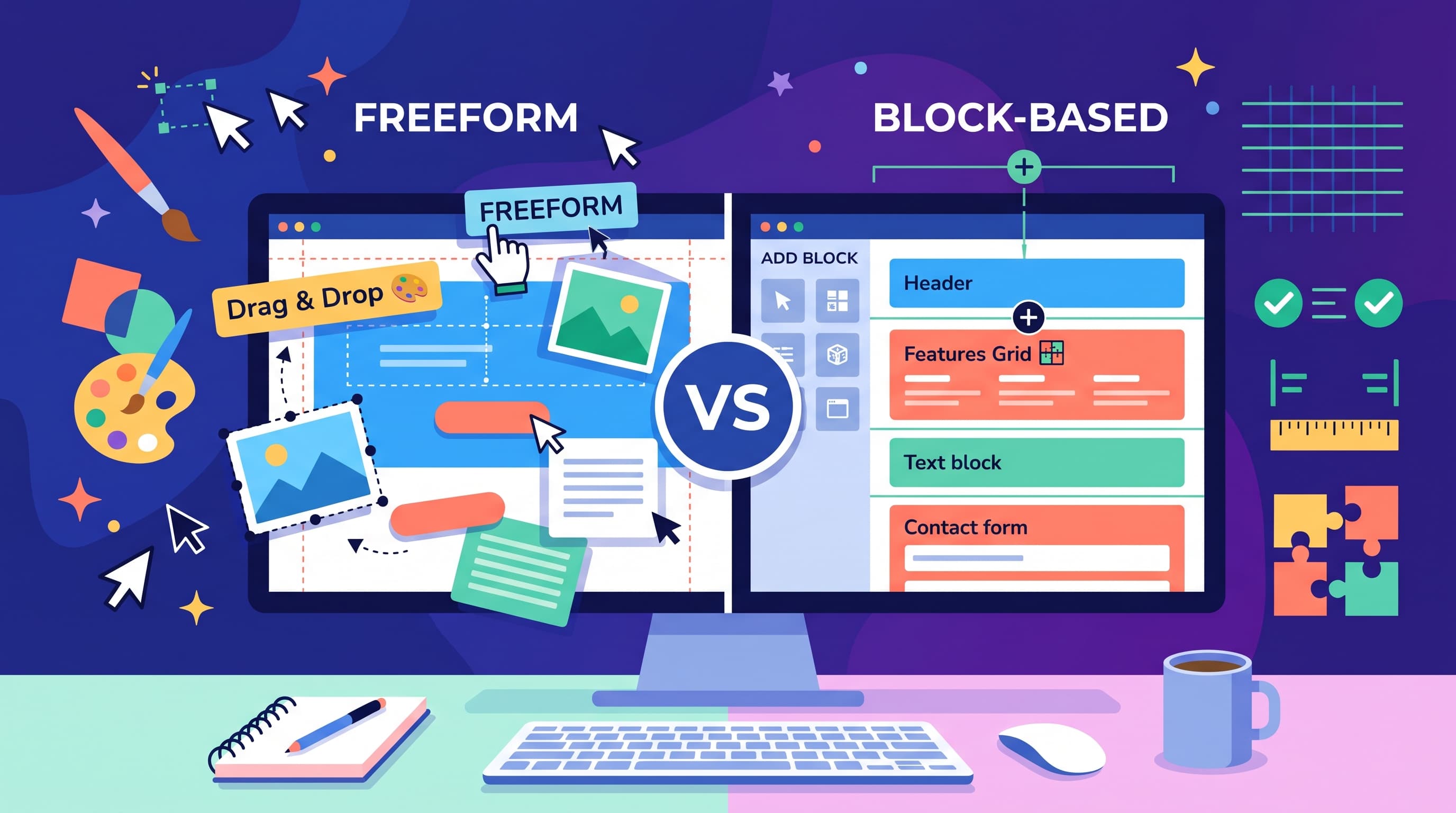
Wix uses a freeform drag-and-drop editor. You can place any element anywhere on the page, layer images over text and fine-tune spacing by the pixel.
Squarespace works with structured sections. You choose a section type, add content and the platform keeps spacing and alignment consistent. You get less freedom but a much lower chance of a cluttered page.
Templates, Editing and Business Tools
Wix offers 900+ templates covering almost every niche, from restaurants to wedding planners. Squarespace has around 100+ templates. Most of them look professional with only small edits.
For beginners Wix usually feels easier on day one. Its AI site generator builds a starter site from a few questions. Squarespace offers its own AI setup too, but its section editor takes a little longer to understand.
Business features differ in focus:
- Wix includes bookings, events, restaurant ordering and an App Market, which is a store of add-on features from Wix and outside developers.
- Squarespace includes product pages, memberships, scheduling and built-in email campaigns with fewer third-party extras.
Service businesses that take appointments often find Wix more flexible. Brands that sell a focused product range often prefer the cleaner Squarespace storefront.
SEO, Mobile Editing and Pricing
Both builders let you edit meta titles, descriptions and URLs. Both create a sitemap automatically, which is the file that helps search engines find your pages. Wix adds a guided SEO checklist that suits first-time owners.
On mobile, Wix gives you a separate mobile editor. That means more control but also more work, since layouts sometimes need manual fixes. Squarespace adapts pages to phones automatically.
Pricing is close. Wix has a free plan with Wix ads and a Wix subdomain. Its paid plans start at about $17 per month. Squarespace has no free plan, only a trial, with paid plans from $16 per month. Wix costs can grow if you add several paid apps.
Limits to Know Before You Choose
On Wix, switching templates after launch means rebuilding your pages. Pick your template carefully at the start.
On Squarespace, unusual layouts are harder to build. The integration list is also shorter. If you depend on a specific tool for marketing or CRM, check it is supported before signing up.
Both platforms create vendor lock-in. Your design cannot be exported, so moving later means starting over. See the detailed table in our Wix vs Squarespace comparison for every feature side by side.
Support and Learning Curve
Both companies run detailed help centers with video tutorials. Wix offers chat and callback support on many plans. Squarespace provides email and live chat support with clear written guides.
Plan for a short learning period on either platform. Most people feel comfortable with Wix after an evening. Squarespace usually takes a day or two of practice before its section logic feels natural.
Which One Should You Pick
Choose Wix if you want maximum layout freedom, rely on bookings and apps or prefer to start free. Choose Squarespace if your portfolio, restaurant or boutique brand depends on polished visuals and you value predictable pricing. Build the same homepage on both before deciding.
FAQ
Is Wix or Squarespace better for beginners?
Wix is usually easier at first. Squarespace takes a little longer to learn but keeps pages tidy.
Does Squarespace have a free plan?
No. It offers a free trial, while Wix has a permanent free plan with Wix branding.
Which is better for photographers?
Squarespace is often the stronger choice thanks to its image-focused templates and galleries.
Can I move my site from Wix to Squarespace?
There is no automatic migration. You will rebuild pages, although blog posts can sometimes be imported.
Which is cheaper over time?
They start at similar prices. Wix can cost more if you rely on paid apps from its App Market.
